
EL34's CNC Stuff |
| Treadmill Motor control project |

|
|
Link to my Treadmill Motor control project |
| My 3D printers |
 My 2nd 3D printer build Go here to see detailed images and build information for printer #2 My 1st 3D printer build Go here to see detailed images and build information for printer #1 Things I have printed that deserve an image 3D printer prints page |
| - |
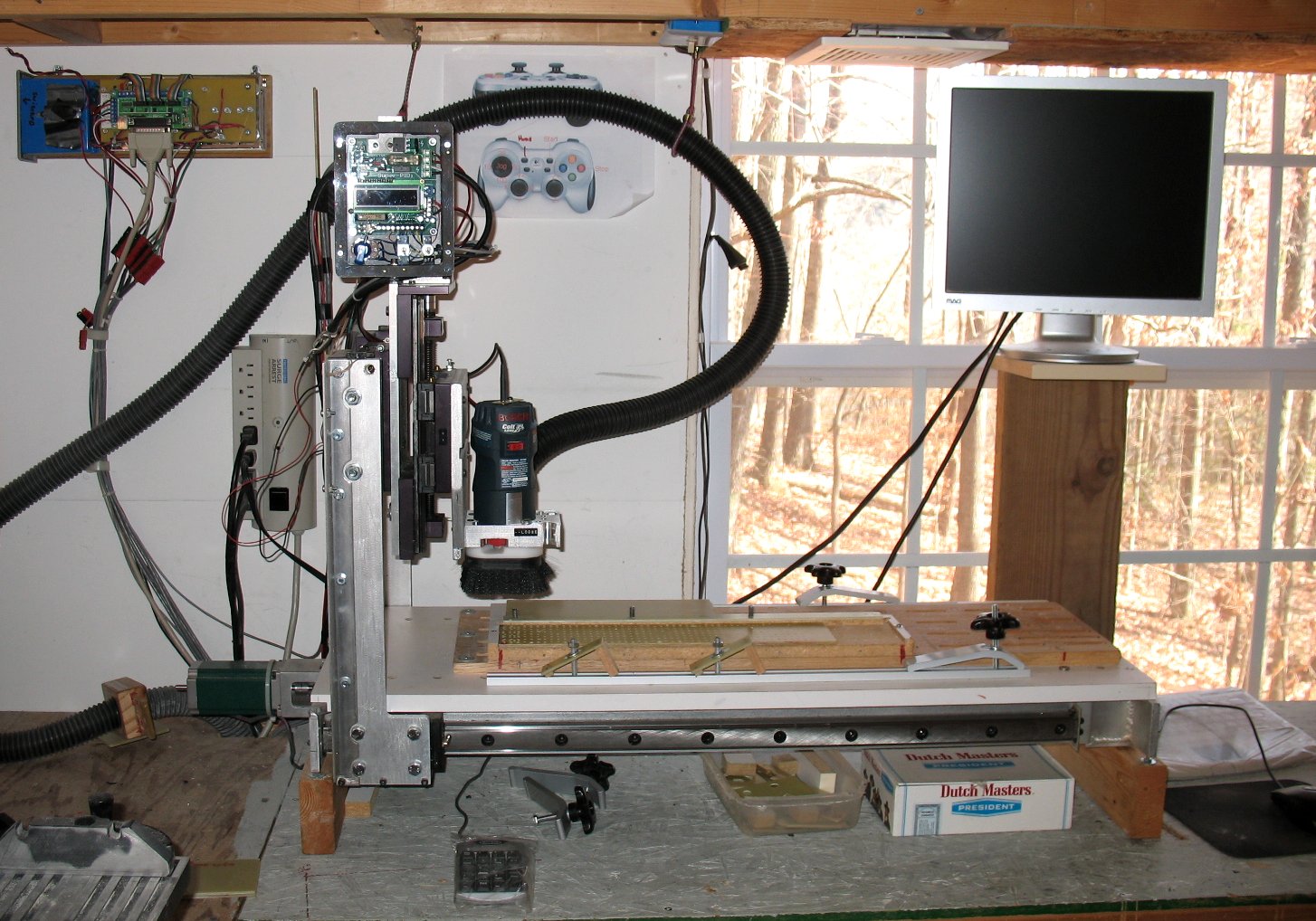
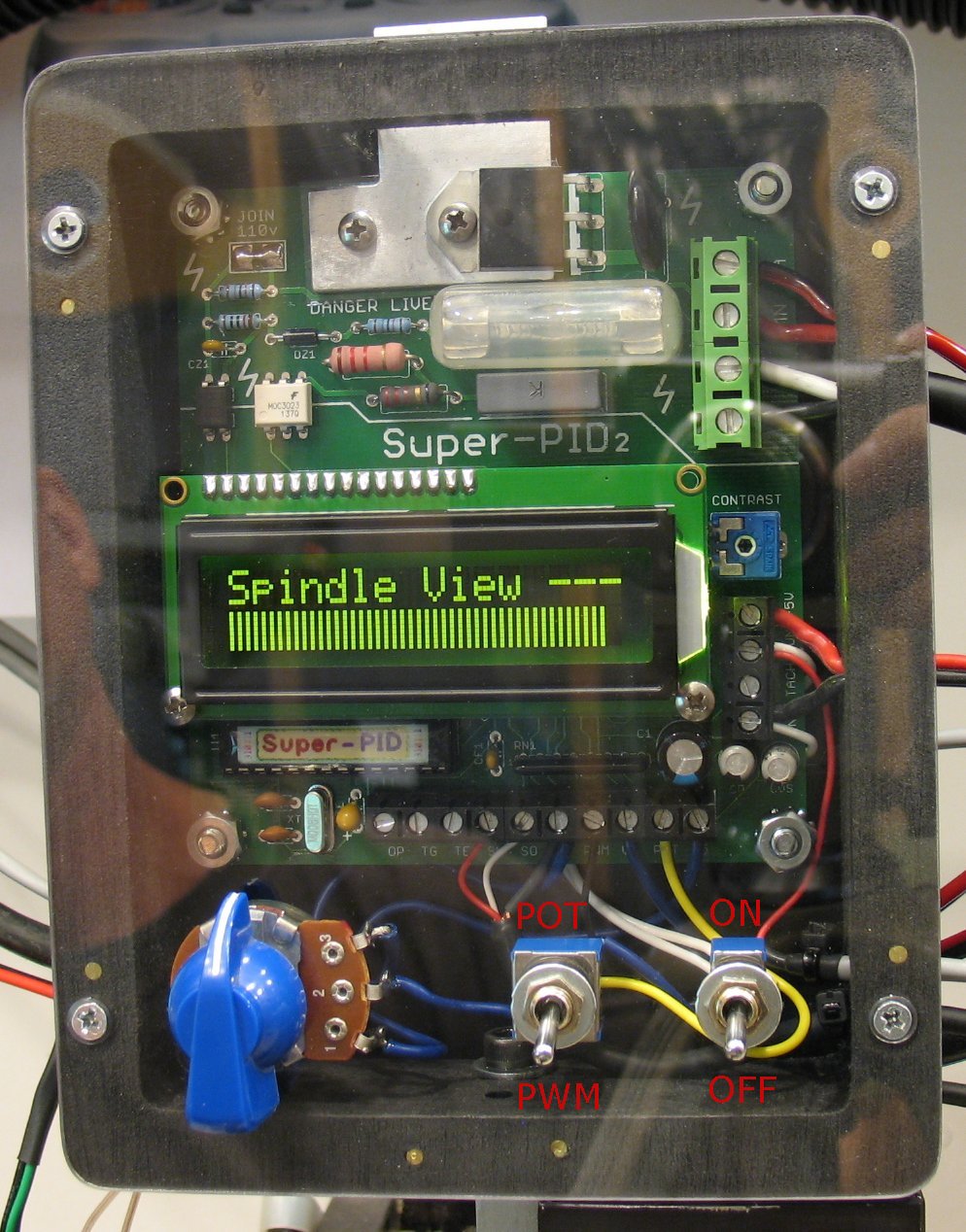
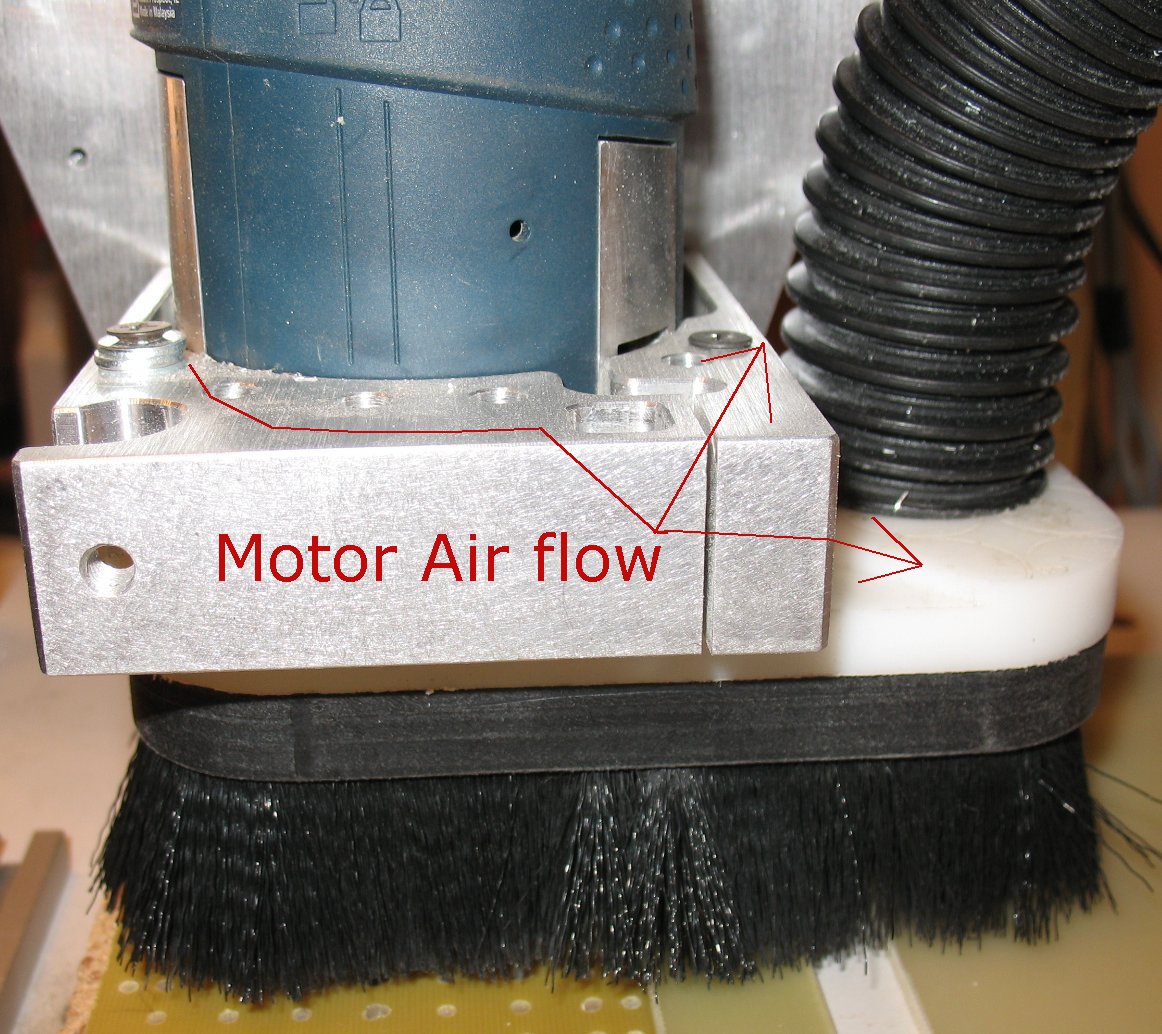
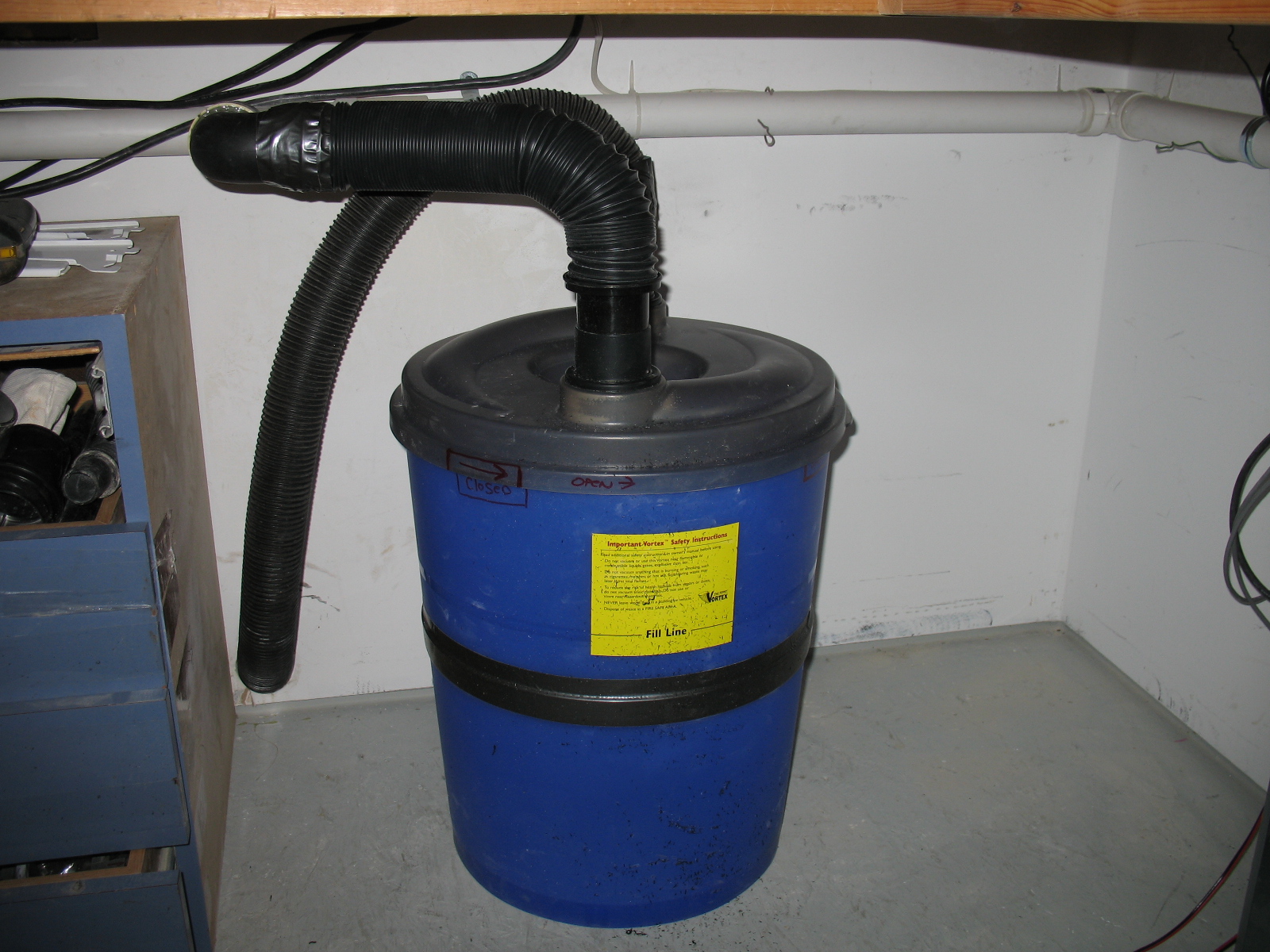
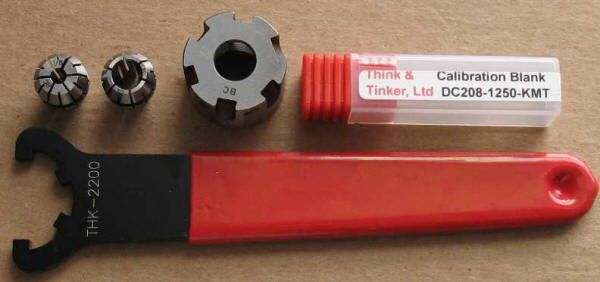
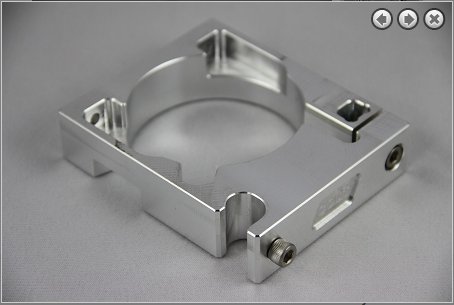
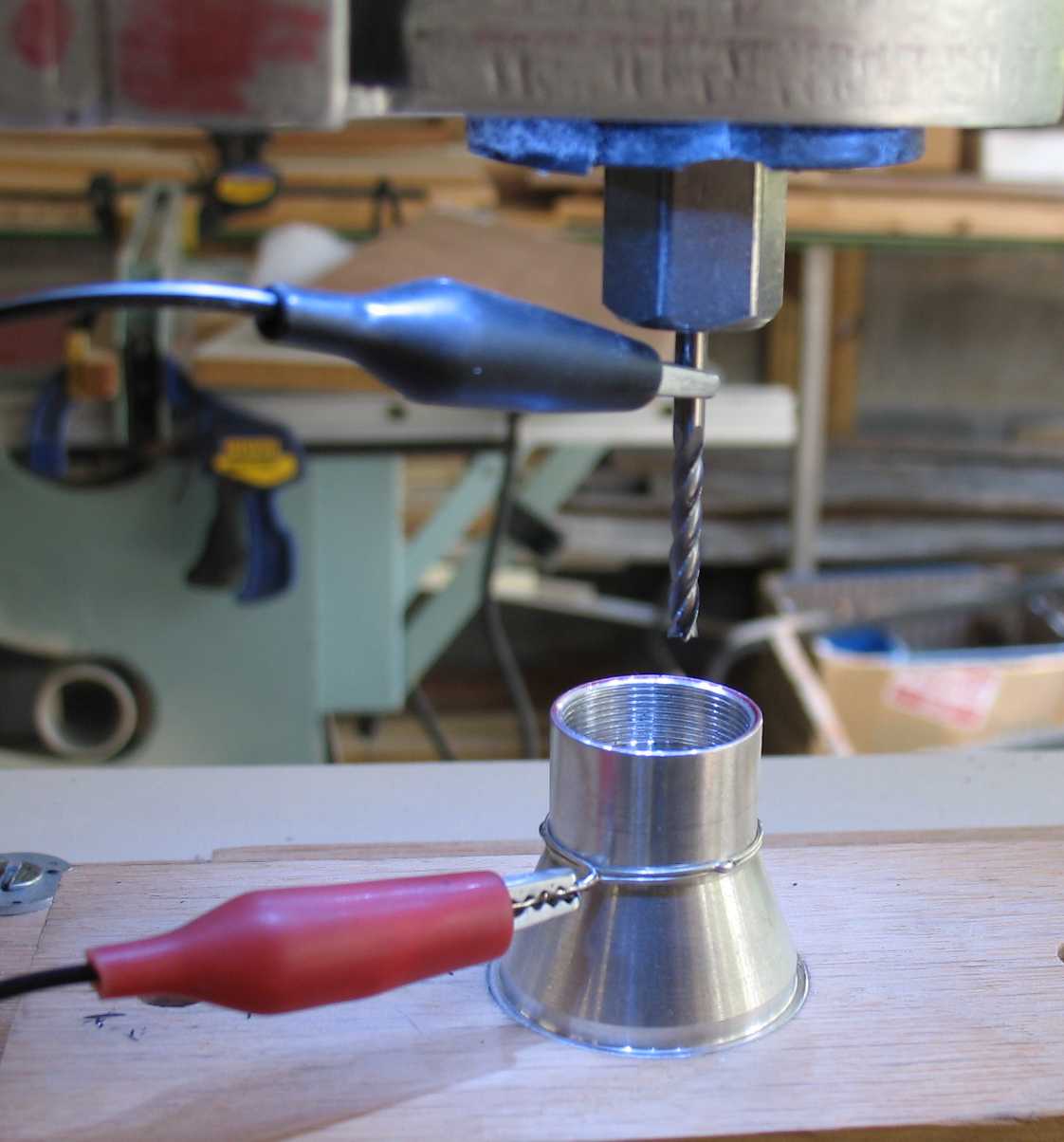
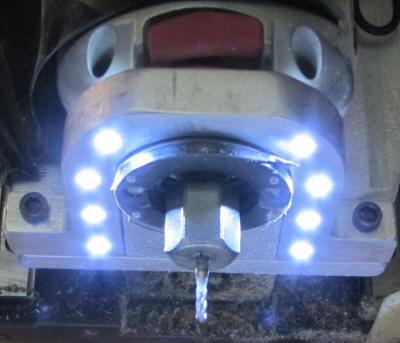
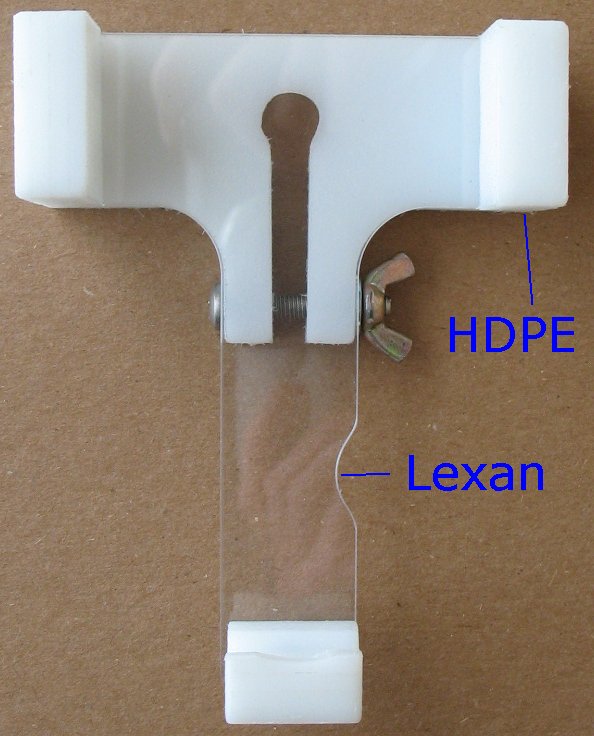
|
My first CNC machine I decided to build a wood CNC machine first to iron out all the design elements, see what works and what doesn't. I am using Red Oak for most of it. It's hard as rock, very stable and I had a bunch of Oak in my shop already. I didn't want to use plywood or MDF, which is basically glued sawdust. The Z and Y Axis parts The X Axis and Table Acme screws, Shafts and Bearings All the parts assembled and a working router The first project on the router and my first crash 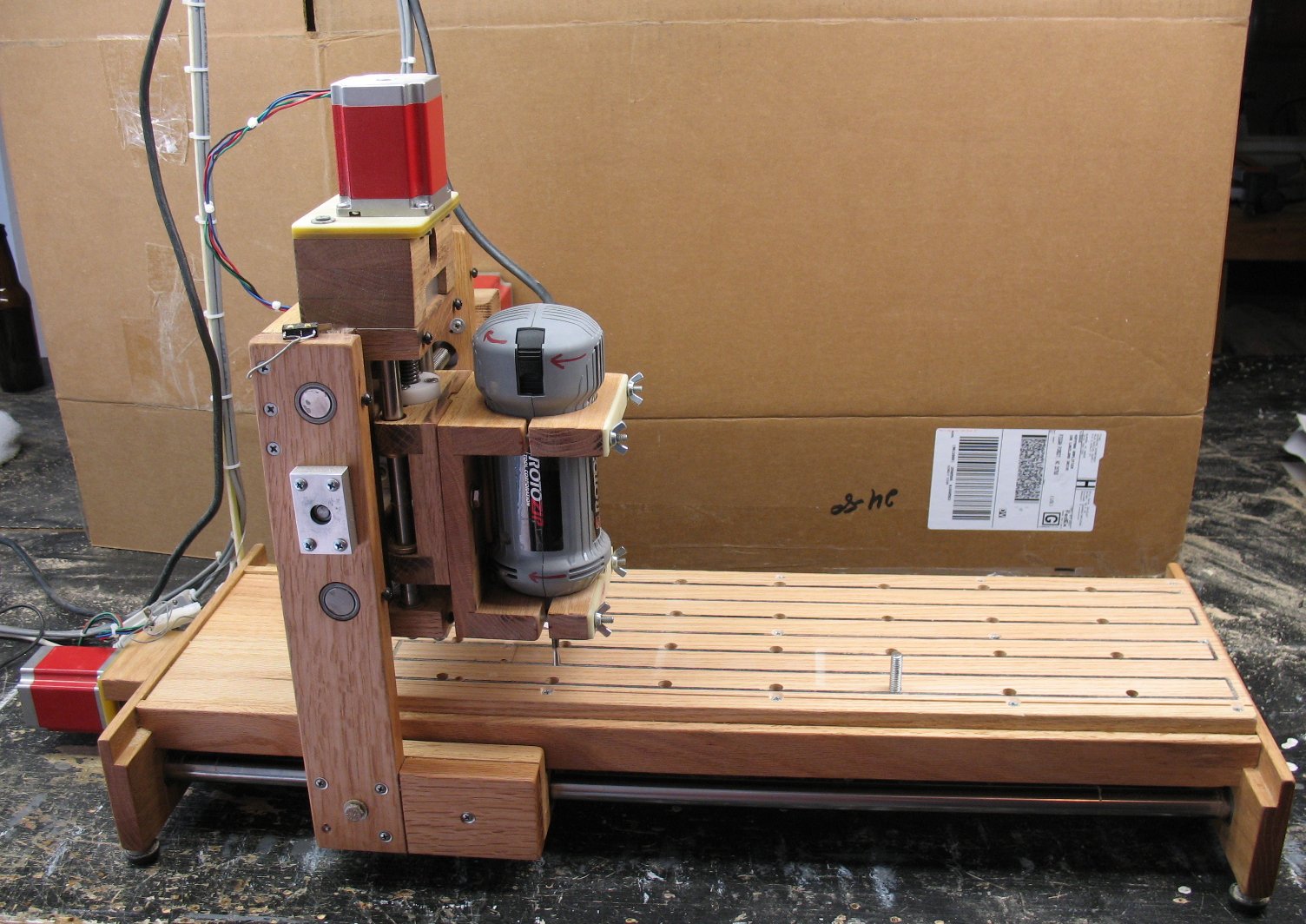 |
|
Here's a short movie of the Oak machine below cutting out aluminum parts for the new aluminum machine above CNC1 Movie |
| - |
| Software, Computer and vendor links |
|
Cambam tips and tricks When I get time, I like to document some of the things that may save people some time and headaches when creating your Gcode using Cambam. Cambam regions, pocketing and profiling tips #1 |
| - |
|
Computer stuff Mini keyboard/mouse combo My power supply - Motor Drivers - Parallel port breakout board I took an older PC I had laying around and installed the CNC power supply assembly into it |
| - |
|
Mock up of a sliding Z axis tool holder Tool Holder mock up page |
| - |
Click on the image below for a larger version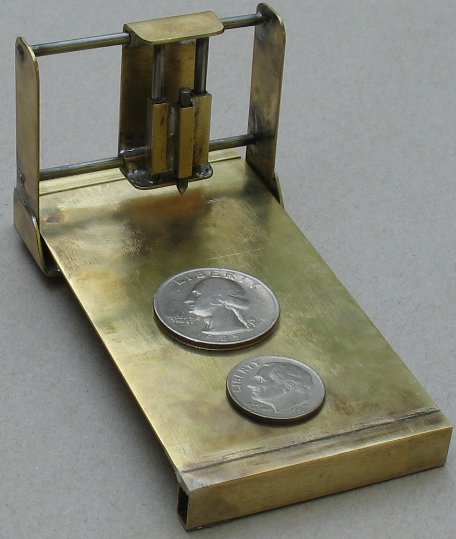 Go here to see the miniature brass CNC router I built Mini Brass CNC Router |
| - |
| Links to the parts used in the pages above. |
 Probotix link These guys have awesome documentation on all the products they sell and great service. I purchased their 3-axis bi-polar kit - Link to the Probotix 3-axis bi-polar kit |
|
Precision Tech machining This is where I had my custom length ACME screws made. |
|
McMaster-Carr Shafts and bearings, nuts, bolts, etc. |
| - |
| Links to Software and forums |
 CamBam is a CAD / CAM application designed to take common CAD files such as DXF and 3DS, manipulate drawings using CamBam's internal geometry engine then produce tool paths and Gcode for CNC machines. Link to Cambam web site Link to Cambam forum |
 CNC Zone forum -Everything you wanted to know about CNC CNC Zone link |
| - |
Enter My Tube Amp Parts Store Here
Mobile users Enter My Tube Amp Parts Store Here
The Tube amp Library of information
Click the link above for Tube amp info, Schematics, Board building information, Projects, Mods, Transformer diagrams, Photo's, Sound clips.
There are hundreds of pages of Tube amp information on my library page.
Please visit my Tube Amplifier Forum
Here's the place you can go to ask tube amplifier questions.
You will find a large community of friendly amp builders at the link above.
Check the huge library of Schematics here
Design your own custom Turret Board or Eyelet board
DIY Layout Creator file analyzer program
DIY Layout Creator file library
Sound clips and tunes of all types
How to email me
|
MEMBER OF PROJECT HONEY POT Spam Harvester Protection Network provided by Unspam |